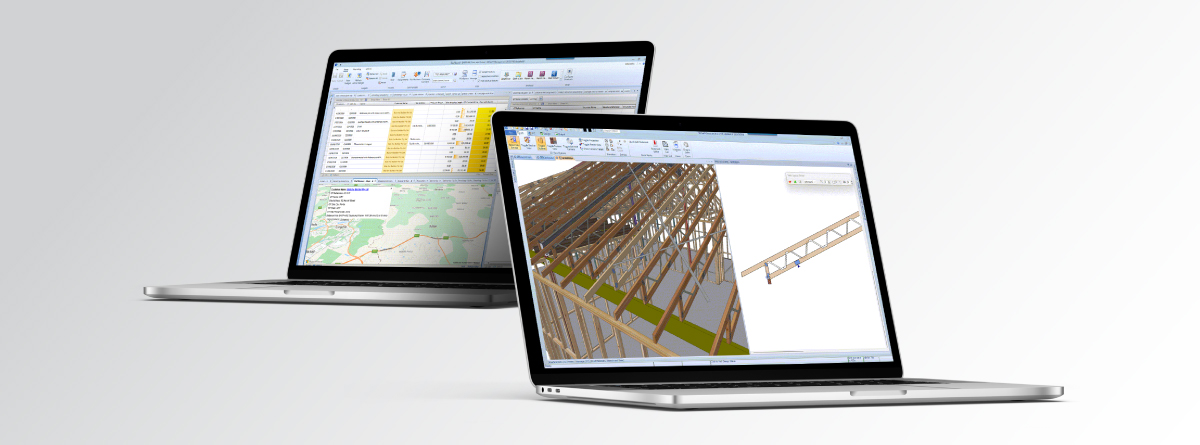
The latest Sapphire release focuses on making everyday tasks faster, improving design reliability and giving you better visibility across your jobs. From modelling and engineering through to project management, Sapphire 26.3 includes a range of updates designed to help you work more efficiently and get more from the software.
Here is a look at the key improvements and how they can help in your day-to-day work.
Management: Smoother Workflows and Better Reliability
Sapphire 26.3 includes several improvements to everyday management tasks, with a focus on reliability, clearer feedback and better data handling.
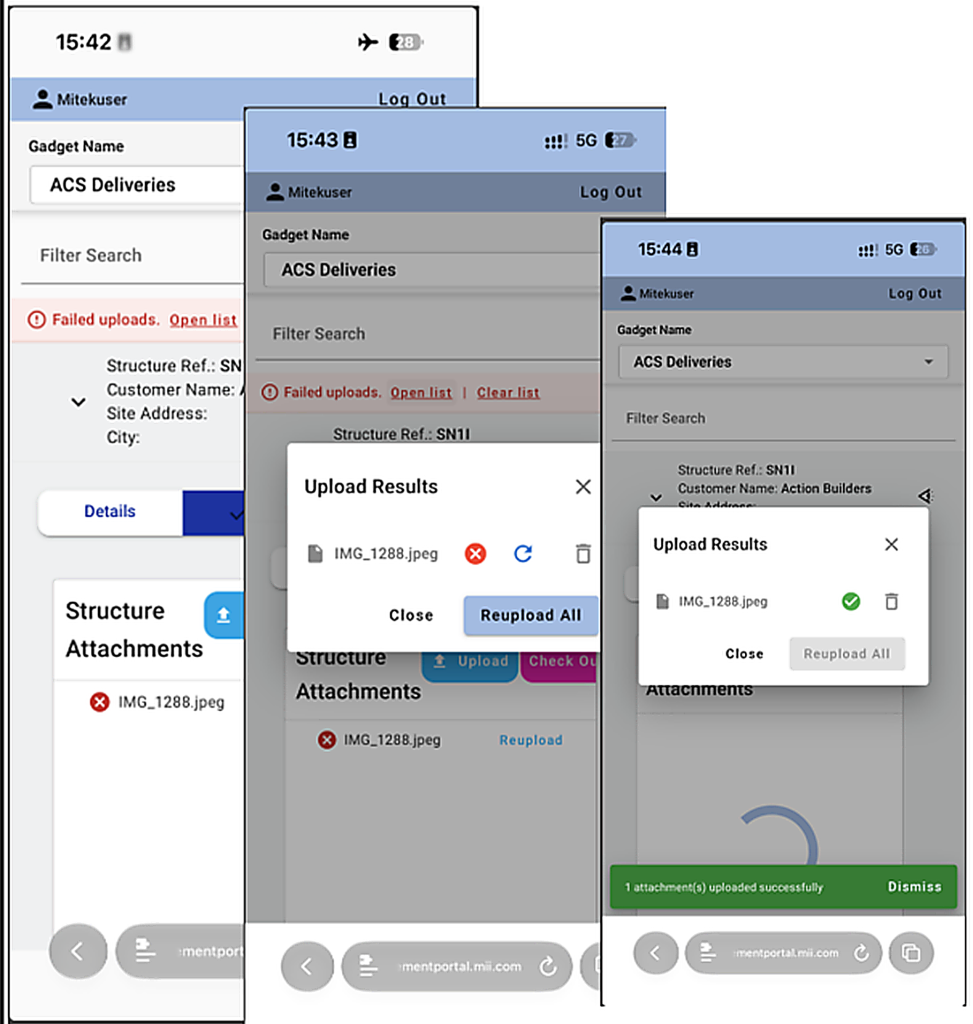
- More reliable file uploads: Improved upload handling and clearer feedback make it easier to understand when an upload has not gone to plan and what needs attention.
- Better email attachment handling: Improvements to attachment management and communication tracking help keep project information organised and reduce the risk of important details being missed.
- Stronger project validation: Additional validation helps identify potential data issues earlier, supporting better data integrity across projects
- Faster performance and improved diagnostics: Performance improvements and enhanced diagnostic tools help administrators and support teams investigate issues more quickly and get workflows back on track.
These updates help reduce interruptions, make issues easier to identify and support more consistent day-to-day project management.
Engineering: Better Posi-Strut Usage Visibility and Design Reliability
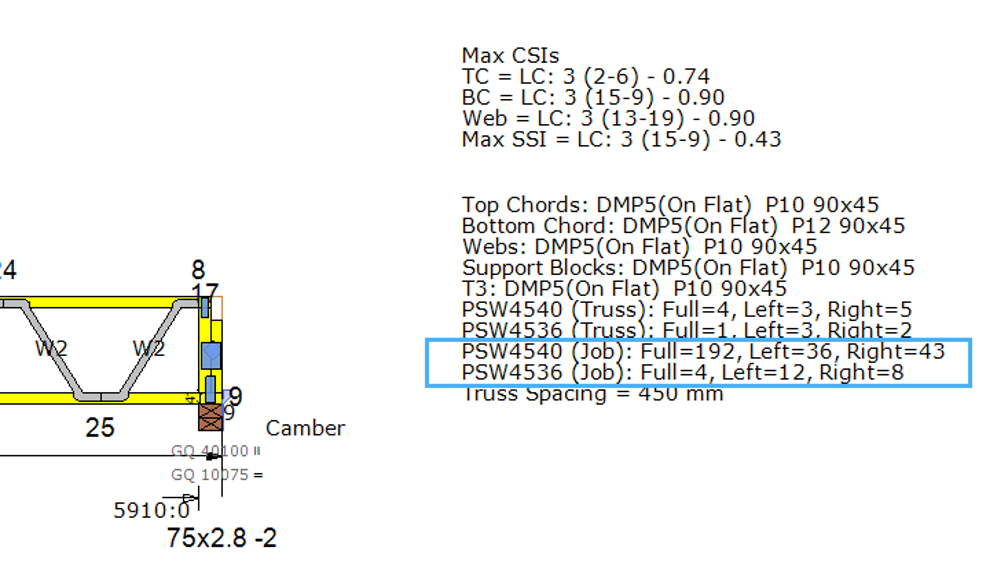
This release brings improvements to Posi-Strut floor design, material efficiency and overall engineering performance.
- Full job-level Posi-Strut counts: See the total Posi-Strut counts across a job, making it easier to understand material consumption and plan for production.
- A new optimisation logic to minimize left and right half Posi-Strut imbalance: Better balancing helps reduce material wastage and make more efficient use of available components.
- Greater design stability: Improvements across a range of design scenarios help reduce unwanted errors and interruptions.
- Refinements to engineering workflows: Updates addressing member overlaps and other design issues support a more consistent engineering process.
- Improved processing performance: Several engineering processes have been optimised to deliver a faster and smoother design experience.
For users these changes provide better visibility of material requirements and help support more efficient design and manufacturing workflows.
Modelling: Faster Envelope Creation and More Consistent Hip Truss Strutting
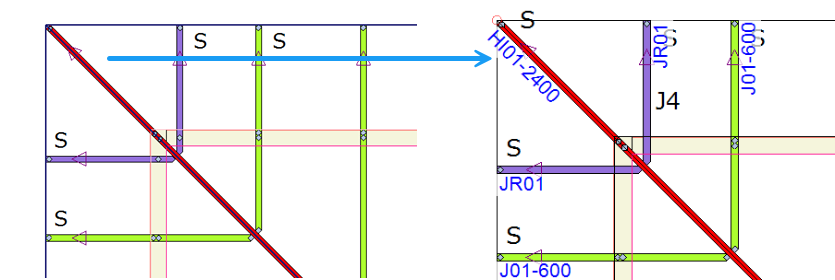
Modelling improvements in Sapphire 26.3 focus on reducing processing time and improving consistency when working with hip trusses.
- Significantly faster envelope creation: Creating vertical and horizontal envelopes is now faster, helping reduce waiting time during modelling.
- Quicker model updates: Updates following truss edits now complete more quickly, helping you move through design changes with less interruption.
- Faster processing: Testing across a range of models showed substantial processing improvements. Actual results will vary depending on the model and workflow.
- More consistent automatic strut creation: Improvements to automatic strut creation for hip trusses help Sapphire identify and apply the required strut framing more reliably.
For modellers, faster processing means less time waiting for updates and more time to focus on the job at hand. More consistent automatic strut creation also helps reduce the need to check and correct framing manually.
Getting More from Sapphire
Sapphire 26.3 includes improvements across management, engineering and modelling, with a common focus on saving time, improving reliability and supporting more efficient workflows.
To get the most from the release, take some time to explore the updated features relevant to your role and see how they fit into your existing processes. If you have questions about a feature or need help applying it to your workflow, contact the MiTek Software Support team.
Keep an eye out for future BluePrint updates as we continue to share practical tips and ways to get more from Sapphire.